United
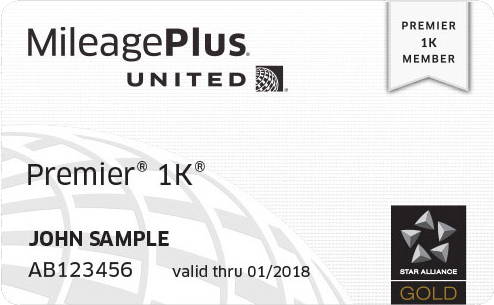
United Premier 1K Status Upgrade
United Premier 1K Status Upgrade
Couldn't load pickup availability
Direct Upgrade to Premier 1K Status (Valid for 4 Months)
Upgrade your MileagePlus account directly to Premier 1K status and enjoy United’s highest-tier elite travel benefits for 4 months.
Benefits you'll receive:
- Highest priority first-class upgrades on eligible flights
- Economy Plus seat selection for you and up to 8 companions
- 3 checked bags on all flights
- Priority check-in, pre-boarding, and security line access
- Earn 11 miles per $1 on United flights
- Star Alliance Gold status with lounge access worldwide
- Complimentary drinks & snacks in economy
- $100 discount on United Club membership
- Complimentary CLEAR membership
- Dedicated Premier 1K phone support for personalized assistance
Important Requirements
To activate the status upgrade:
- You must have flown a United or United Express flight within the past 30 days.
If you have not flown within the past 30 days:
- You must complete a United or United Express flight within 90 days after your upgrade is processed.
- Your 4-month Premier 1K status period will begin after that qualifying flight is completed.
MileagePlus Account Information
Because this upgrade provides the same promotional benefits as a United status match, accounts that have previously received a status match or promotional upgrade may not be eligible for another upgrade on the same account for 5 years.
If this applies to you, we can automatically create a new United MileagePlus account and apply the upgraded status to that account instead. You would then receive your status benefits under a different MileagePlus account number.
Please note:
- You will need to complete one United or United Express flight without status benefits within 90 days.
- After this “activating flight” is completed, your upgraded status will typically become active within 1–4 business days.
Information Required After Purchase
After ordering, you will receive an email requesting:
- First name on your MileagePlus account
- Last name on your MileagePlus account
- MileagePlus account number
- MileagePlus password
You may also receive a text message requesting a 2-factor authentication (2FA) code from Status Max to complete the upgrade process.
Processing & Delivery
Processing time: 1–3 business days
No physical membership card will be issued. Membership details will be delivered by email
Share